You can install it now. Rather than making people wait for the
Play review, the signed build is on the site: orbit2d.co/app
— 875 KB, Android 7.0 or newer, with the file’s SHA-256 published on the page and install steps
for the “unknown apps” warning your phone will show. The Play Store release still follows.
Orbit2D has been a web page for twenty-two rounds of development. This round it became an
Android app, and the interesting part is how little of the game had to change to get there.
What is actually in the package
The temptation with a browser game is to reach for a wrapper framework — Capacitor, Cordova,
something with a plugin ecosystem and a JavaScript build step. I did not, because the entire game is
one self-contained HTML document with no dependencies, and wrapping that in a framework would mean
importing a toolchain to solve a problem I do not have. What ships instead is a native Android
Activity of about three hundred lines that owns a WebView, plus the game as an asset.
The result is an app bundle of 1.03 MB. A phone downloads roughly a megabyte and
gets forty-four metres of strata, twenty worlds, thirty ranks, nine objectives and a generated
soundtrack. There is nothing to stream and nothing to unpack on first run.
The one decision that mattered
The obvious way to load bundled HTML in a WebView is file:///android_asset/index.html.
It is also wrong, for a reason that is easy to forget until it bites: a file:// page
gets an opaque origin. No durable localStorage — which is where the entire save game
lives — and no cross-origin request, which is how the feedback form reaches me.
So the app serves its own assets over https://appassets.androidplatform.net/ using
androidx’s WebViewAssetLoader. It is a real https origin that never leaves the device:
storage behaves properly, the save survives, and the game does not know it is not on the web. The
feedback endpoint then needed to allow exactly that one origin by name — nothing else — and answer
the preflight, otherwise in-app feedback would have failed silently while the browser form kept
working. That is the sort of bug you ship and find out about six weeks later.
Things a browser gives you for free that an app does not
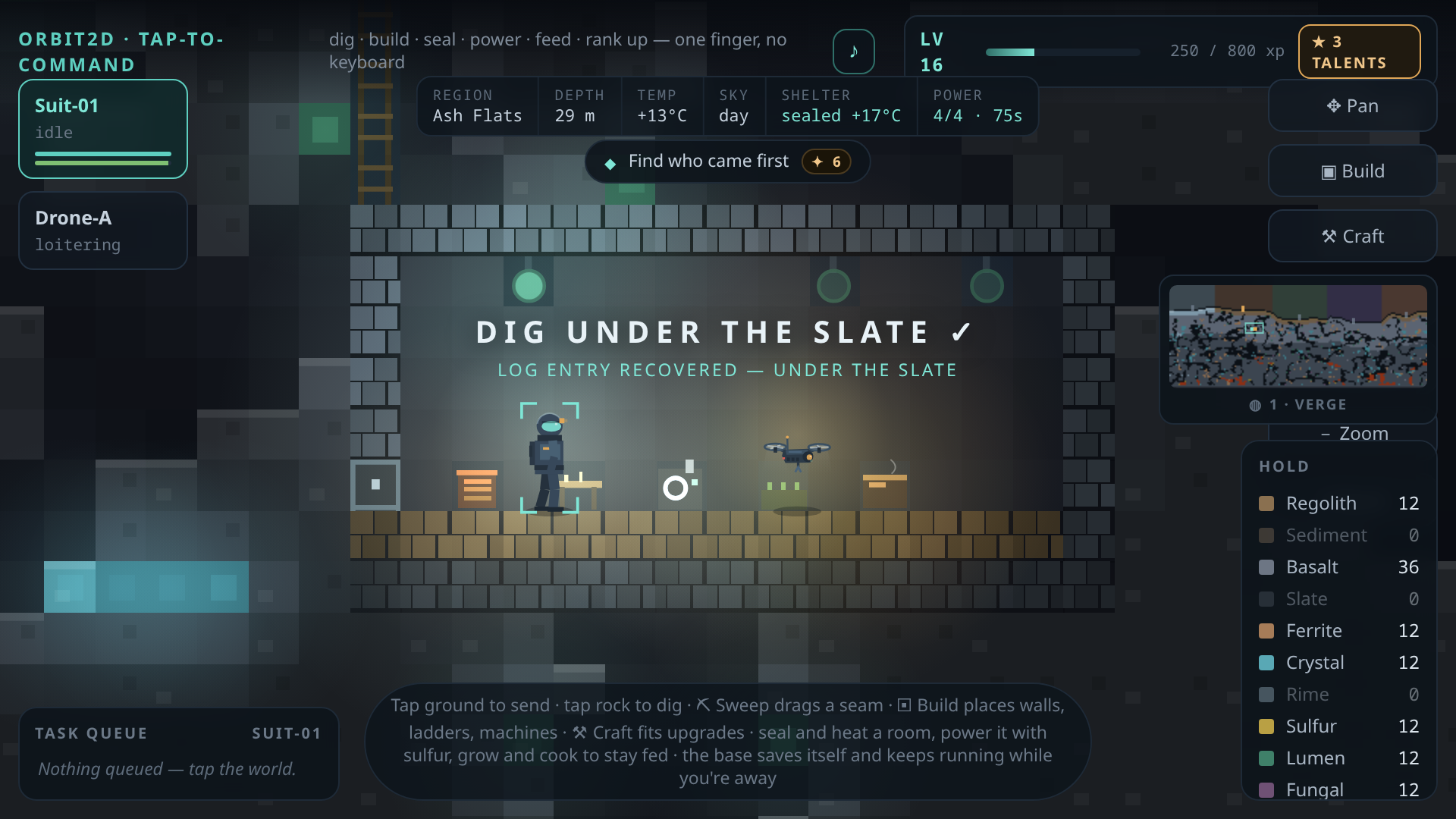
Four of them, and each is a small piece of respect for the player:
- The back button. On Android, back is a promise. The game now answers a
androidBack()call by closing exactly one thing — the intro, then the ending
transcript, then the talent picker, then the signal log, then build mode — and only when there is
nothing left to close does the shell take over and ask whether you want to leave. Pressing back in
a game and losing an hour is unforgivable, so it writes the save first, both times. - Leaving. The web build saves on
visibilitychangeand
pagehide. Inside a WebView those are not guaranteed, so the shell asks the game to save
at every lifecycle edge, and pauses the timers so a backgrounded colony is not quietly eating your
battery. - Font scaling. Android applies the system accessibility font size to WebView
text by default. A HUD packed as tightly as this one has no room for that, so the shell pins text
zoom for the game surface — the one place where an accessibility setting would break the layout
rather than help it. - Fullscreen that stays. Immersive mode, edge to edge, through the camera cutout,
and re-asserted whenever focus comes back — because system bars reappearing over the survey map is
exactly the kind of small ugliness that makes a game feel ported.
The app collects nothing, and that is a deliberate difference
The website runs Google Analytics; I want to know how many people finish the first objective. The
packaged app has the analytics tag stripped out at build time by the script that
copies the game into the project, and that script fails the build if it cannot find the block to
remove. So the app makes no network request at all unless you personally type something into the
feedback form.
That was not a privacy pose to begin with — it started as not wanting app traffic polluting the
site’s numbers — but it makes the Play Data Safety declaration short and completely honest: no ads,
no third-party SDKs, no identifiers, no crash reporting. One optional email address and one message,
only if you send one. There is a privacy policy now,
which is a required field, and writing it took twenty minutes because there was almost nothing to
declare.
The icon took longer than the shell
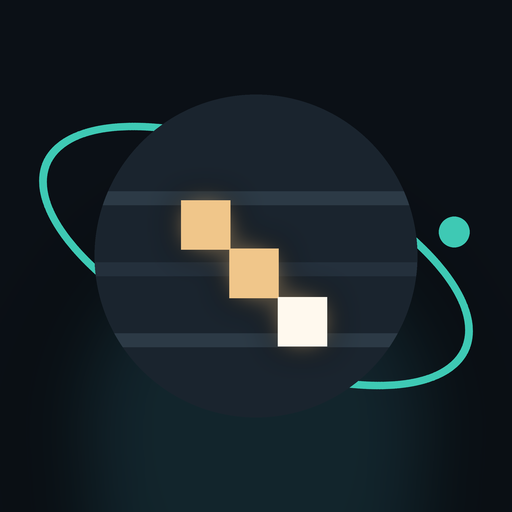
Everything in Orbit2D is drawn in code, and the icon is no exception — it is generated by a
script, in every density, plus the adaptive and monochrome layers Android wants. My first attempt
was a lit vertical shaft cut into a dark world, which at 48 pixels read unmistakably as a
thermometer. The version that shipped is three lit steps descending into the rock: it says digging
at any size, which is the only thing an icon has to do.
What I cannot claim yet
I build in a machine with no hardware virtualisation, which means no Android emulator. Everything
here is verified as far as it can be — the bundle is signed and validated, the asset inside the APK
is byte-for-byte the tested game, the back-button behaviour is covered by an automated harness, and
the feedback endpoint was checked live from the app’s own origin — but a real device with a real
WebView is a test I have not run. That is the next thing that happens, before this goes anywhere
near a production release.
The plan from here is unglamorous and correct: internal testing track, then a closed test with
people who are not me, then production. The browser version at
orbit2d.co is not going anywhere — it stays the version you can
play in five seconds with no install, which is the whole reason the game is a megabyte in the first
place.
Leave a Reply