Version 0.16.0 is live on orbit2d.co and in the
Android build. Three things went in, and all three are
about the moments either side of playing rather than the playing itself: showing someone what you
built, installing the game properly, and being told what happened while you were away.
The share card is drawn by the game, not screenshotted
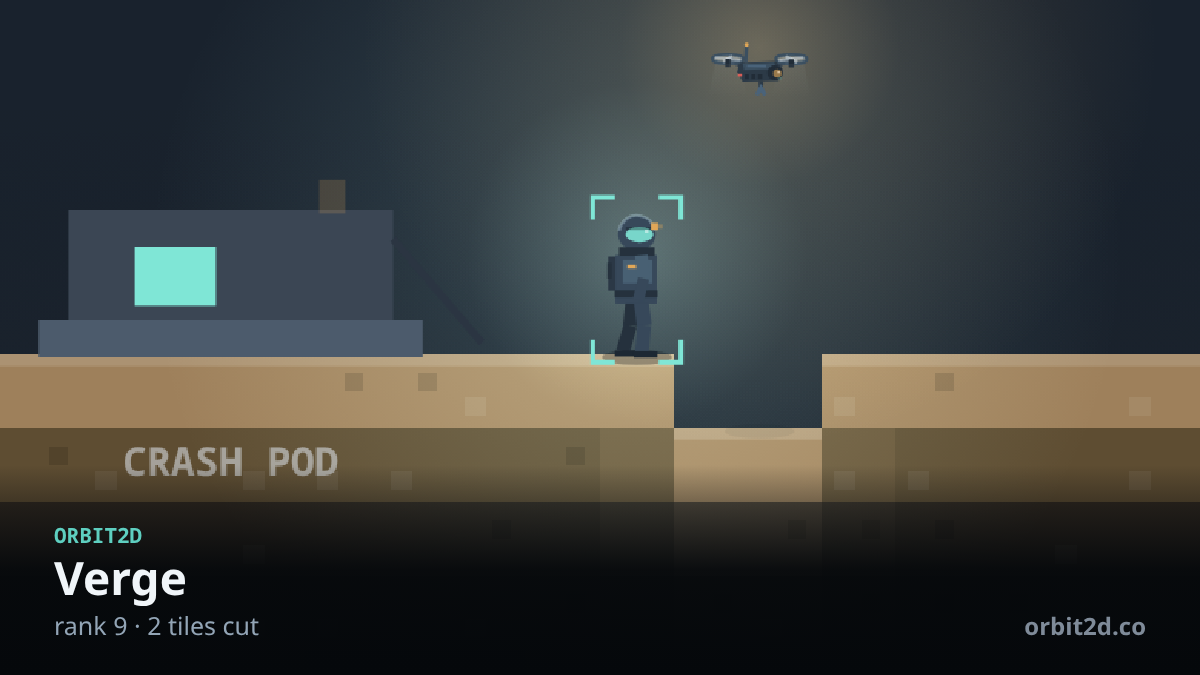
A screenshot of a game like this is mostly HUD. So the share button does not take one. It
composites the live game canvas into a fresh 1200×675 image, cover-fitted so there are no bars, and
it crops around the suit rather than the centre of the map — the interesting part of a colony is
wherever your person is standing. Then it lays a plate along the bottom with the world’s name, your
rank, how many pieces you have built and how many tiles you have cut, and the address.
Two of those numbers took a correction. My first version counted every built tile in the world,
which reported 865 pieces on a colony that had just landed — because the crash site
is itself made of built tiles. Nobody’s first share should overstate their progress by three orders
of magnitude, so the card now reads the two counters the game already keeps honestly: pieces you
placed, and tiles you cut.
The other correction was blunter. The card came out blank, because the function that converts a
world position to a screen position returns a two-element array and I read .y off it.
That is undefined, arithmetic on it is NaN, and a canvas asked to draw at
NaN quietly draws nothing at all. No error, no warning, just an empty picture — which is
exactly the kind of bug that ships if you only assert that a file was produced. The test now asserts
the image is 1200×675 and that it is not a single flat colour.
Sharing, or saving, depending on what the device can actually do
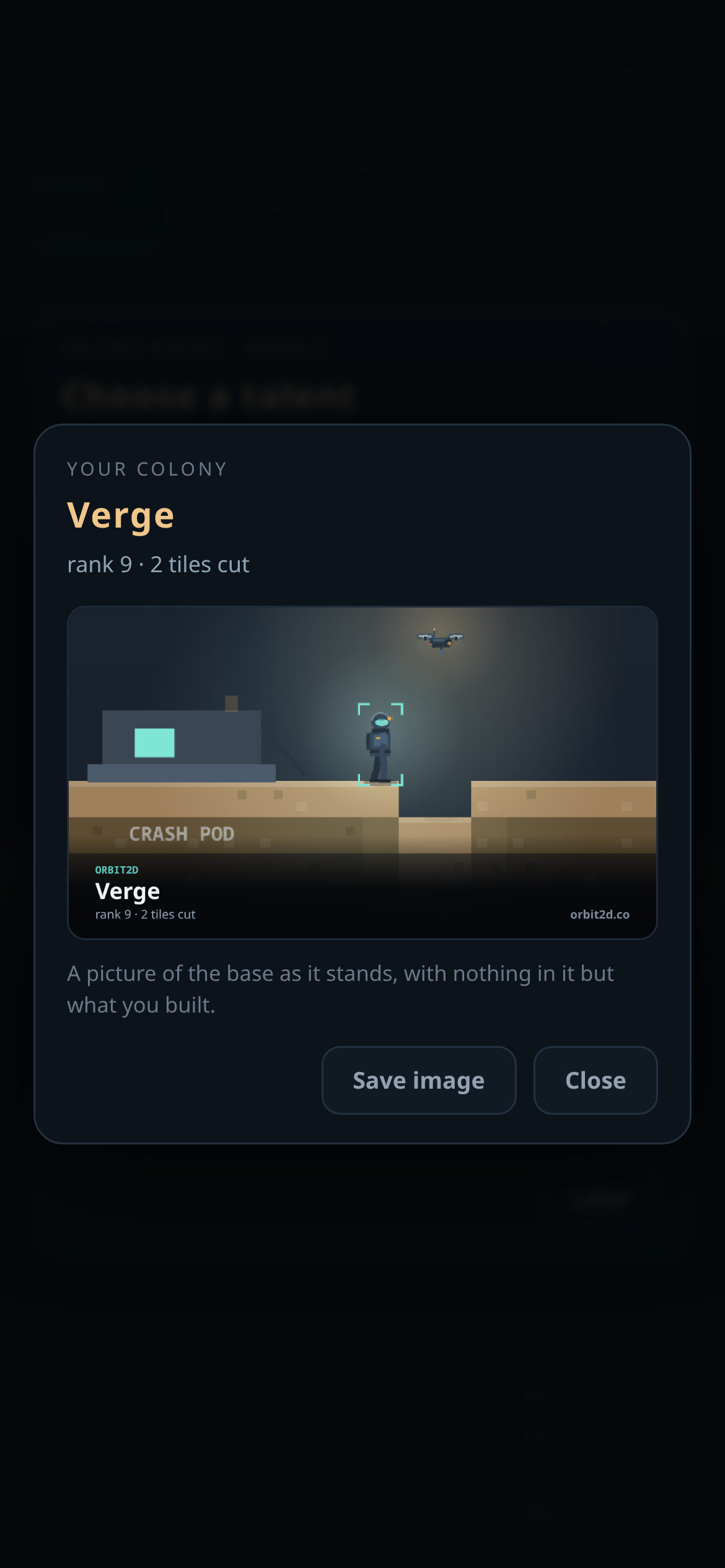
On a phone the card goes straight into the system share sheet through the Web Share API, as a
file, so it lands in a message or a post as an image rather than a link. On a desktop browser that
cannot share files, the button is not offered at all — it saves the PNG instead, named after the
world and your rank. Offering a Share button that fails is worse than not offering one, so the game
asks navigator.canShare about the actual file before deciding which button you see.
Install, offered once, and never again if you say no
The game has shipped a web manifest for a while, which means browsers will let you install it as
an app — but only if you know to go looking in a menu. There is now a small prompt on the title
screen that offers it, and it follows some rules: it appears on the title screen only, never
mid-game; it is not shown inside the Android app, on a portal build, or when the game is already
running installed; and if you dismiss it, that is remembered and it does not come back.
It also sat behind the boot screen for its first half hour of existence, invisible, because I gave
it a z-index below the thing it was supposed to appear on top of. Worth mentioning only because it is
the reason the test for it checks that the pill is actually visible on screen and clickable, rather
than merely present in the document.
Being told what happened while you were gone
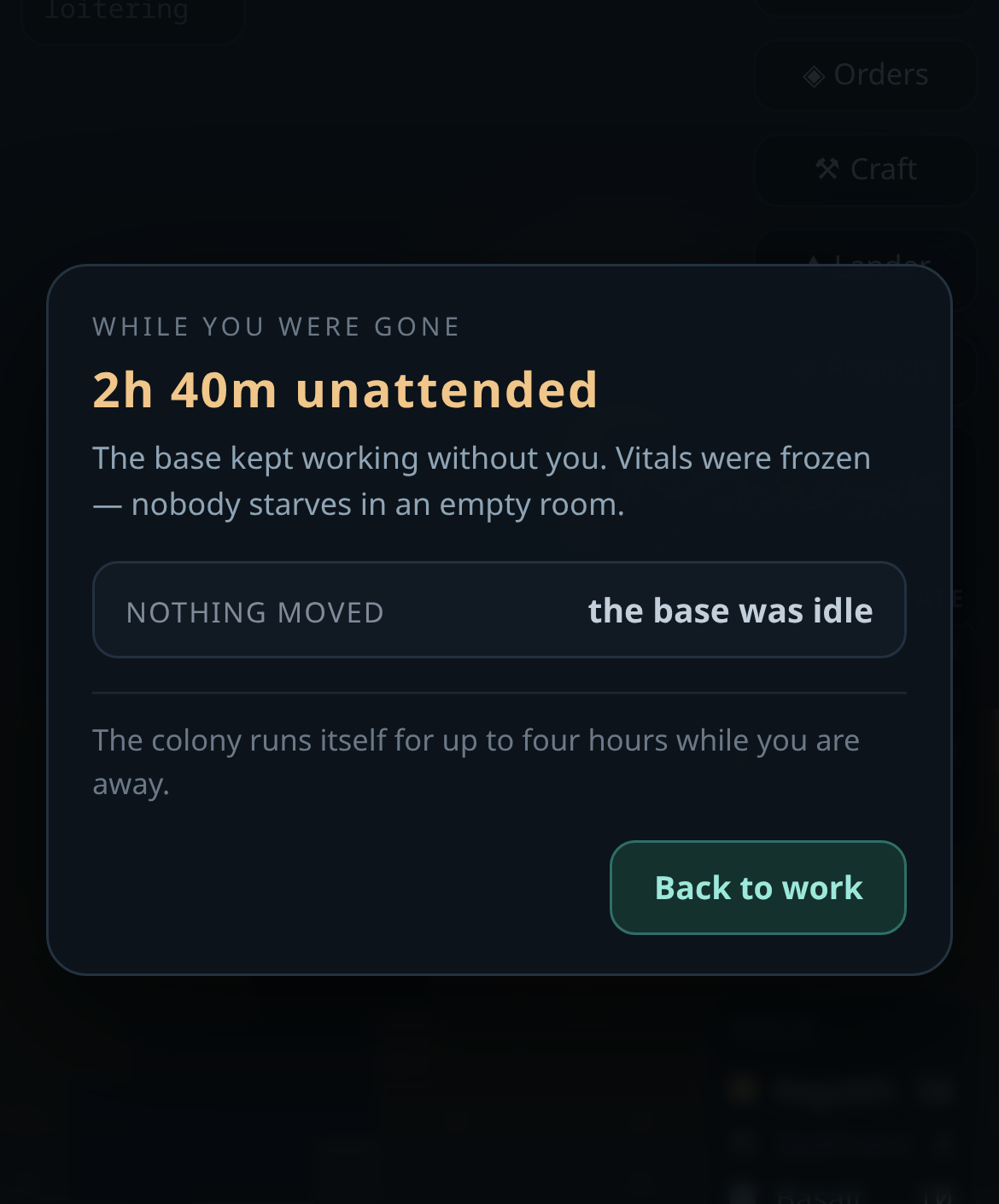
The colony has always kept working for up to four hours after you close the tab, at a reduced
rate — and it has never told you so. It ran the simulation forward on load and left you to notice
the difference in your stores. Now, if you were away long enough to matter, coming back opens with a
plain account: how long you were gone, what grew in the beds, what the galley cooked, what the
generators burned, whether the grid ran dry. No congratulation, no summary of value generated. Just
what changed and what ran out.
The card above is from a colony that had only just landed, so the honest answer is that nothing
moved — there was nothing built yet to move. If you were away longer than four hours it says so
directly rather than pretending the whole absence counted.
On Android, back closes these before it considers leaving
The app’s hardware back button works through a list: the intro, the ending transcript, the talent
picker, the signal log, build mode, and now the share sheet and the away card, in the order a player
believes things are stacked. Only when there is nothing left to close does it save and hand back to
the shell. Adding a new overlay without adding it to that list is how you end up closing someone’s
game when they meant to close a picture.
Testing this properly needed a lie about time
To test the away card you have to convince the game you have been gone for hours. The trick is to
rewind the timestamp inside the save and reload — and the first attempt failed for a good reason: the
page’s own autosave fires on pagehide, so reloading immediately re-stamped the save with
now and there was never any absence to report. The game had to be told to stop saving first.
The suite covers a 3 h absence, which is inside the cap, and a 30 h one, which is not.
Twenty-seven checks for these three features, all passing, plus the existing seventeen-script
regression run before the build went out. Five of those scripts fail, and I checked them against the
previous release before shipping: they fail there too, identically, so they are stale tests rather
than new breakage. They are on the list to fix, and a failing test you have decided to live with is
worth writing down rather than quietly ignoring.
The browser build is at orbit2d.co, and the Android APK, with
its checksum, is at orbit2d.co/app.
Leave a Reply